Creating interesting visual content often seems to be more difficult than it should be.
You might have a great idea in mind, but the minute you think of design tools, software downloads, or editing skills, the excitement disappears. At the same time, static images do not attract attention easily, especially in social media or personal messages.
GIFs are a perfect solution to this problem, but many people think that GIFs are complicated or time-consuming to make.
Fortunately, online makers of GIFs have completely changed that experience. With the correct method, you can make eye-catching GIFs without technological knowledge and paid software.
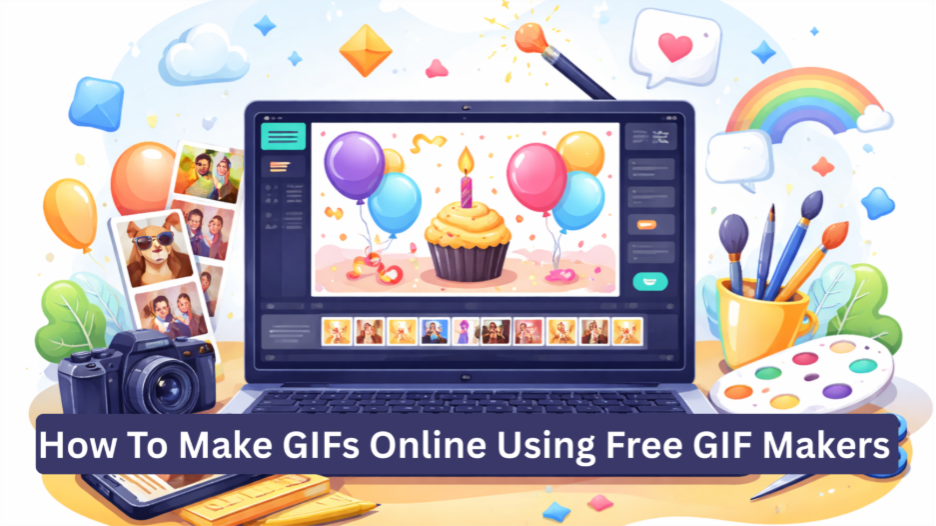
This article explains how to make GIFs online, using free GIF makers, and how to use GIFs effectively for different purposes.
1. Choose Right Online GIF Maker

The first step is to find a free online tool that fits your needs. Not all makers of GIFs have the same functions, so knowing what to look for saves time and effort. Some tools focus on simple photo-to-GIF creation while others allow video uploads, text animations, and templates.
For example, if you want to make birthday animations, a happy birthday GIF maker with the help of ready-made layouts can simplify the process. These tools are designed to decrease manual labor by providing pre-animated text styles and visual effects.
Moreover, browser-based GIF makers remove the requirement of downloads. You can work directly online, which makes them ideal for quick projects. As a result, selecting the platform lays a solid foundation for all that follows.
2. Prepare Your Content Before Uploading
After selecting a GIF maker, it is necessary to arrange your content. This step usually isn’t paid attention to, but it directly affects the quality of your final GIF. Start by determining if your GIF will be designed from pictures, short videos, or a combination of both.
Images should be clear, well-lit, and relevant to the message you are trying to convey. If you are using videos, trim them beforehand so that you only have the most interesting moments. Most of the free GIF makers are suitable for short-duration projects, up to 10 seconds.
Additionally, consider the story that your GIF tells. Even the simplest animations should have a clear beginning and purpose. When your content is well thought out, the process of content creation becomes smoother and more efficient.
3. Upload And Arrange Your Media
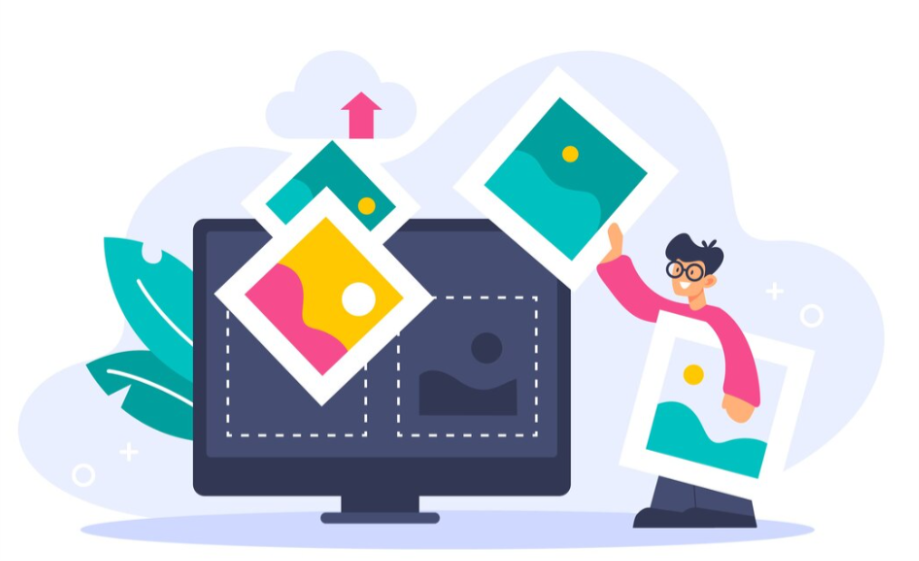
After preparation, the next step is uploading your media files. Most GIF makers available online provide drag-and-drop functionality, which makes the process very simple. You can upload images, videos, or both, depending upon the capabilities of the tool you’re using.
Once it has been uploaded, organize the sequence carefully. The order of frames determines how your GIF flows visually. Therefore, put the most important visuals early up, in order to grab attention right from the start. Many tools enable you to vary the length of frames, which aids in pacing control.
At this stage, preview the animation frequently. Doing so ensures that transitions are natural and nothing feels rushed or awkward. Small changes here can contribute a lot to the final result.
4. Add Text, Effects, And Personal Touches
The addition of text and effects can transform a simple animation into a meaningful GIF. Online GIF makers often include text overlays, fonts, colors, and animation styles. Use these features carefully to make the image more comprehensible instead of confusing.
Keep text short and readable. Since GIFs are continuous loopers, long sentences may become repetitive. Rather, emphasize strong words or phrases. Adjust font and positioning to ensure the text is readable in various screen sizes.
Moreover, other elements that can be considered subtle, like fades or motion accents, can also help to bring energy to the message without taking away focus. The personal touches, such as custom colors or friendly styles, also help your GIF to stand out, without appearing messy.
5. Download, Share, And Repurpose Your GIF

When everything looks right, download your GIF and put it to use. Most online tools that are available offer a direct download so that you can save the file on your device easily. From there, you can share it through messaging apps, social media, or email.
Beyond sharing, consider repurposing your GIF. A single animation can serve many purposes, such as engagement posts, digital greetings, and digital storytelling. You may also return to the same tool later and make changes to the text or visuals without having to start all over.
Over time, experimenting with different styles helps you to understand what works best. As a result, the speed and ease of creating GIFs increase with each project.
Final Thoughts
Making GIFs online no longer requires advanced skills or expensive software. With free GIF makers, you can create engaging animations by choosing the right tool, preparing your content with intention, and refining details step by step.
Each stage of the process plays a role in shaping the final outcome, from selecting visuals to adjusting timing and text. When these elements work together, the result feels polished and purposeful rather than rushed.
At the same time, online GIF creation gives you flexibility and creative control. You can experiment with styles, reuse content, and adapt GIFs for different platforms without starting over.
Whether your goal is to celebrate a moment, communicate a message, or increase engagement, free GIF makers provide a practical and accessible way to bring ideas to life visually.